
Digital Workplace Intune Migration
Introducing a modern desktop experience for a modern workplace
Introducing Intune
Microsoft Intune is a powerful cloud-based mobile device management service. The migration to Intune will introduce a modern desktop experience for a modern workplace.
How will the Intune migration benefit me?
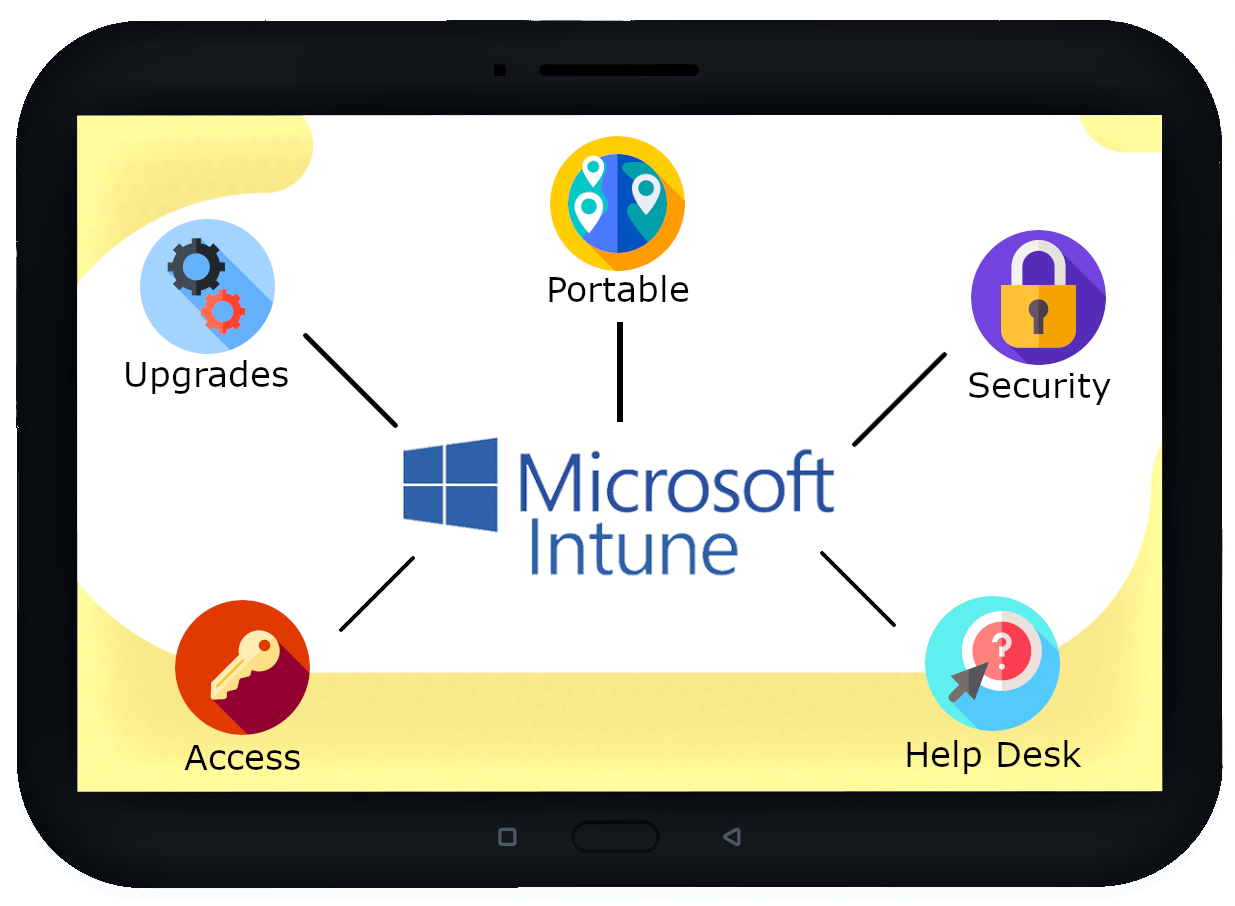
- Seamless access to all your accounts. With Intune, you only need one password for all your University-linked accounts. This means you can log on to your computer, Microsoft 365 desktop applications and email account with a single password.
- Access to the latest Windows experience. The migration to Intune makes it easy for your device to be upgraded to the latest Windows operating system. This year, users will experience the benefits of upgrading to Windows 10.
- A more portable and flexible workplace experience. A cloud-based desktop management system means that you can now securely access your computer from anywhere in the world and work remotely as needed.
- Enhanced security and asset management for your workplace device(s). With Intune, your division’s hardware will always be associated with the University. If your device is lost or stolen it can be wiped remotely in order to keep your data secure.
- Streamlined help desk service. With Intune, the client support team can troubleshoot issues by viewing your desktop and providing solutions remotely.
Technical Overview
Learn more about the Intune device deployment cycle.
For more information, contact Ian Thomas at ian.thomas@utoronto.ca or Derek Liu at derek.liu@utoronto.ca.
Project Contacts
- Vicki Vokas Associate Director, Enterprise Shared Services, EASI, vicki.vokas@utoronto.ca
- Ian Thomas Manager, Microsoft 365 Architecture, ian.thomas@utoronto.ca